Dark Mode Coverage
Reduce eye strain on most sites with one click.
From simple blogs to complex web apps.
One click to dark mode. Per-site control. Works while you browse.
Built with privacy and performance in mind
Feel the difference from day one.
Reduce eye strain on most sites with one click.
From simple blogs to complex web apps.
Choose auto, on, or off for each website.
Your per-site choice is saved for next time.
Pick a preset or fine-tune how dark mode looks.
Adjust brightness, contrast, sepia, and grayscale.
Skips pages that already have their own dark mode.
Override manually when you need to.
If something looks off, one tap brings you back to normal.
A quick reload option is always available.
Your pages never leave your device.
All rendering happens locally — nothing is sent to a server.
Designed to stay out of the way while making your screen easier on the eyes.
Only active tabs use resources. Idle tabs cost nothing.
No background CPU usage when you're not browsing darkened sites.
Dark mode applies in under 50ms — faster than a blink.
Lowen only activates on tabs that need dark mode. Everything else stays untouched.
Only active tabs use memory and CPU
Loaded once, shared across all tabs
Only loads on tabs with dark mode active
Loaded once and shared across all tabs
Zero CPU when no darkened tab is open
Nearly instant on most pages
Actual usage varies by site complexity and number of active tabs.
One account keeps everything in sync — across computers, Chrome profiles, and devices. Set it up once, and it just works everywhere.
Same settings on every PC and laptop
All profiles stay in sync automatically
Try dark mode on up to 5 sites. No sync.
Unlimited sites, works across multiple Chrome profiles.
Yes. Lowen is designed for broad coverage — from simple blogs and news sites to complex web apps with dynamic content.
You can set each website to auto, always on, or always off. Your choice is remembered so it works the same way next time you visit.
All dark mode rendering happens locally on your device. The only server communication is for your account, subscription, and synced site settings — no page content is ever sent.
Lowen shows a clear warning and gives you a one-tap reload option to restore the original page instantly.
Free lets you use dark mode on up to 5 sites. Pro unlocks unlimited sites and syncs your settings across all your devices and Chrome profiles.
Yes — sign up with your email to get a 7-day free trial of Pro features. No credit card required.
Sign up with your email to get started. If you upgrade to Pro, the same email is your account — just enter it and we'll send a one-time login code. No password needed.
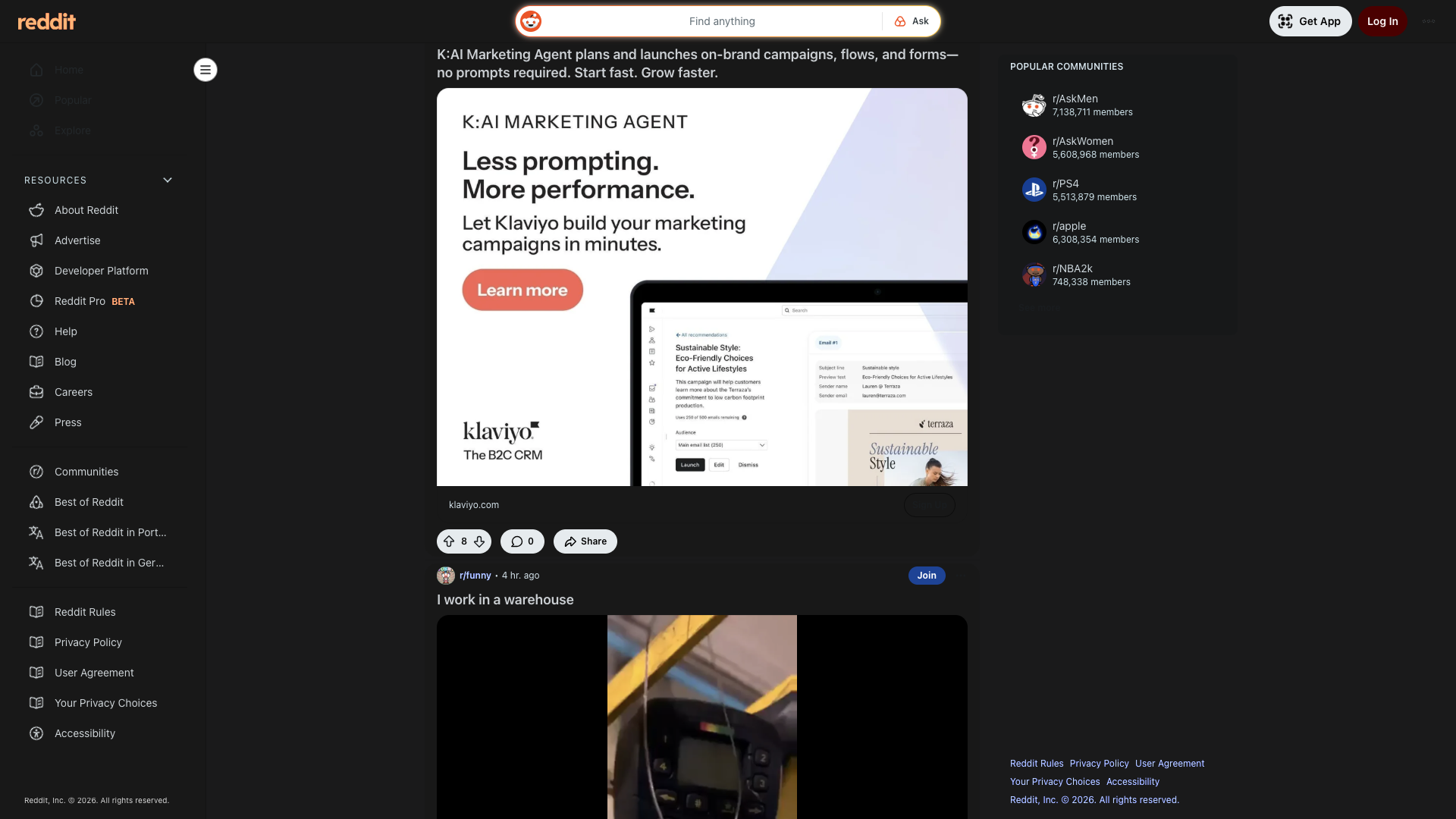
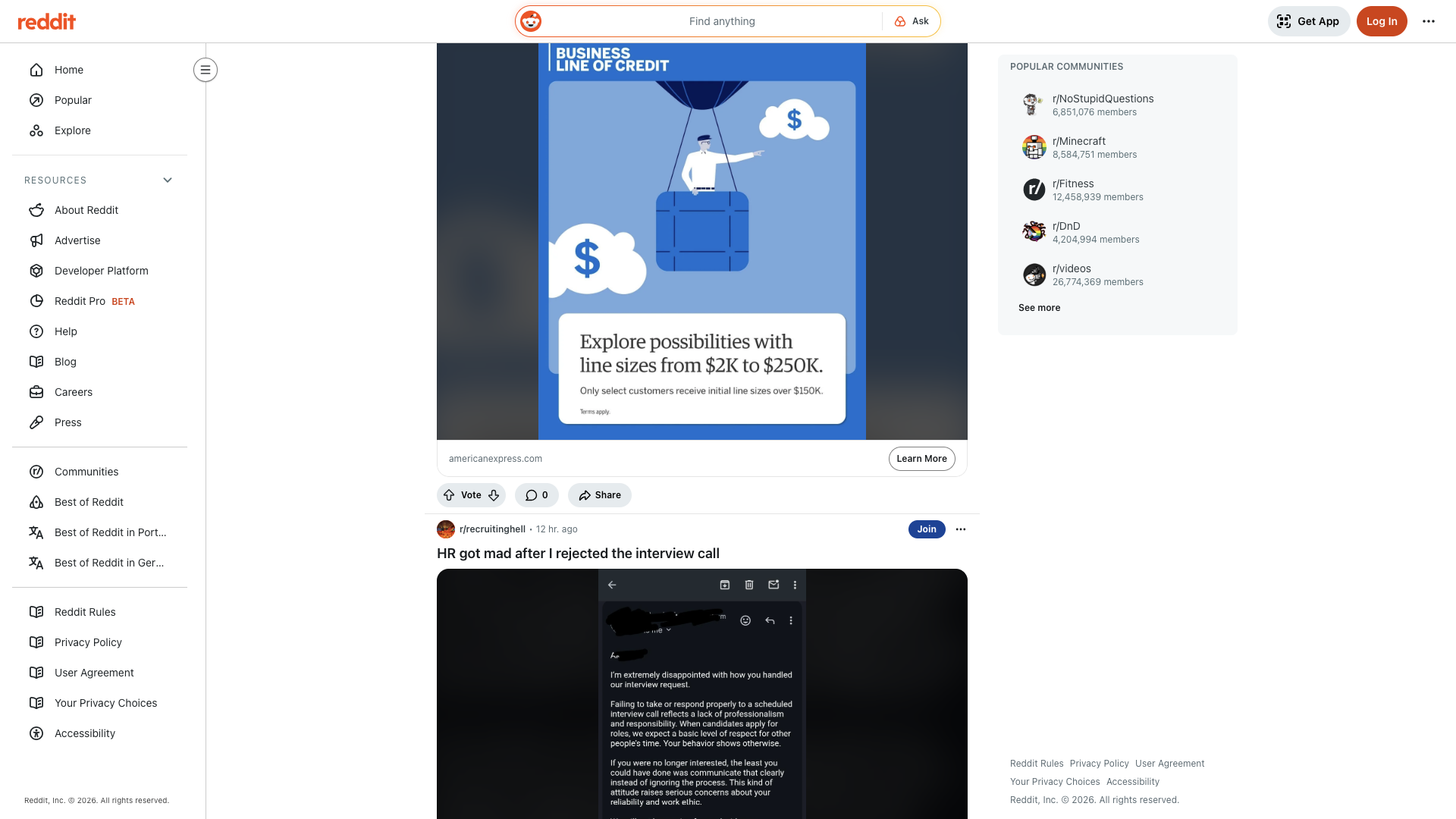
Lowen works on most websites including popular ones like YouTube, Gmail, Reddit, and more. Some sites with their own dark mode may be skipped automatically.
Install on Chrome and start with site-level control in minutes.
Requires Chrome on Windows, macOS, or Linux.